

Emily
Musicians
It used to take a lot of time and effort to make a music video, but now it can be done in a few minutes with tools! And the effect is great, which has helped me attract a lot of fans.
Free AI Music Video Generator
Turn your song into a lyric video, or add AI-generated background music to an existing video. Get started for free and download your videos without watermarks.
AI soundtrack
Upload a video and describe the music you want. Generate a soundtrack for your video.
Your song, on screen
Use your song and timed lyrics to create a lyrics video. Import LRC or use AI Extract, then review and edit before generating.
Turn your song into a lyric video, or add AI-generated background music to an existing video. Get started for free and download your videos without watermarks.

Upload your song and import timed lyrics, or extract them with AI. Edit the words and timing, choose your subtitle style, and create a video with your lyrics on screen.
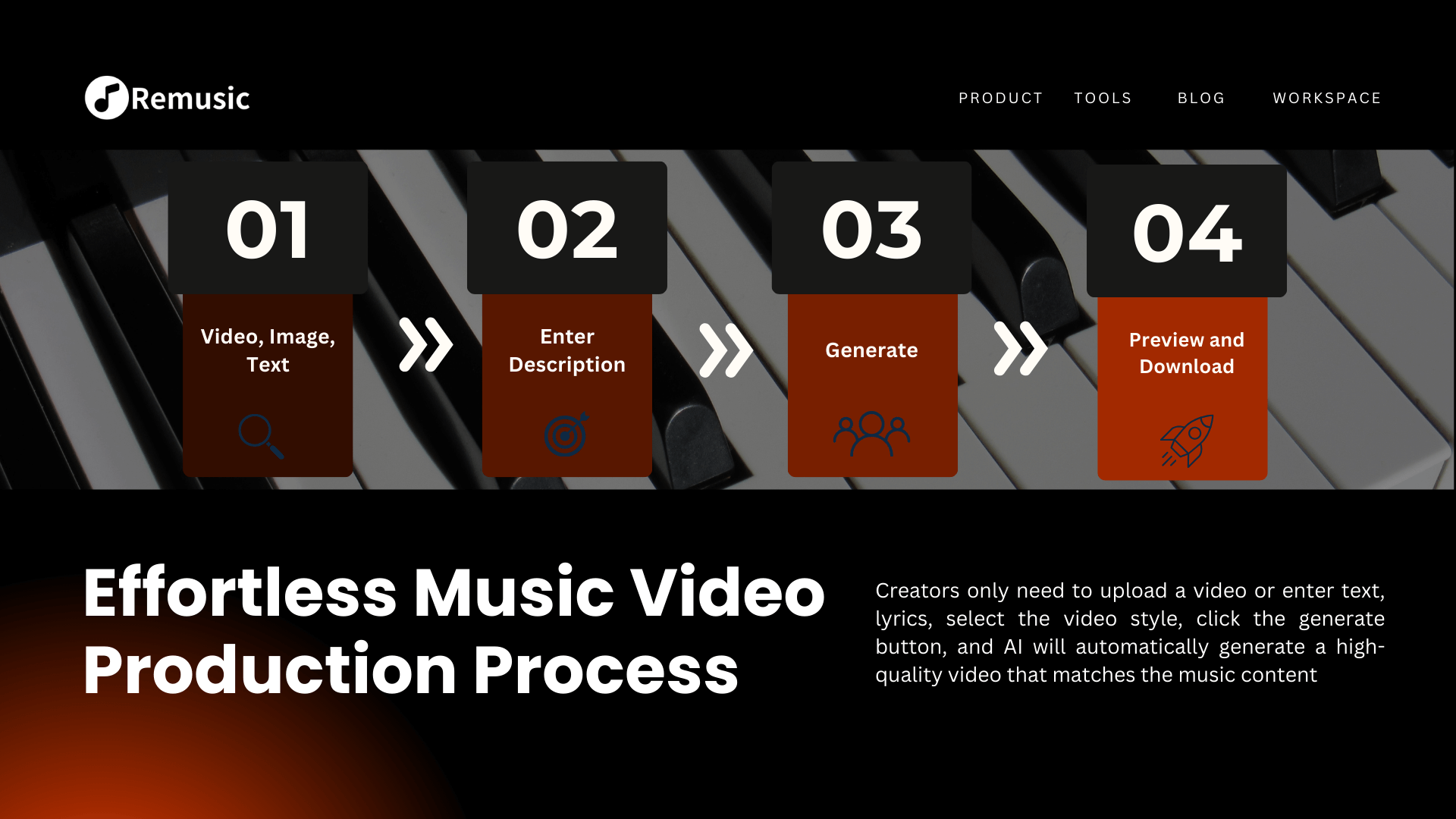
Upload an existing video and describe the mood or music style you want. Generate an instrumental soundtrack and combine it with your video.
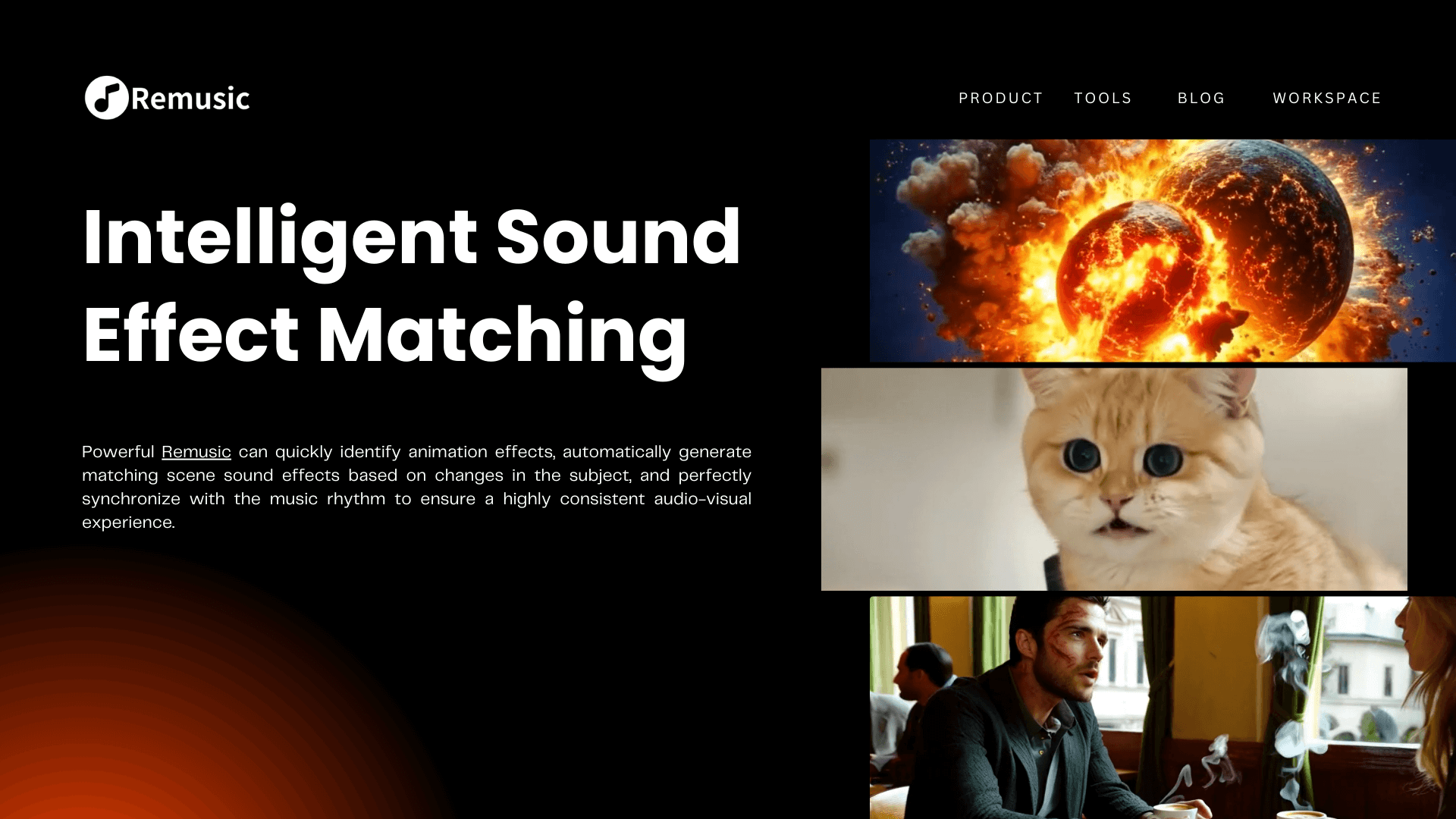
Import timed lyrics or review AI extraction results. Correct the words and start and end times before generating.
Adjust the available subtitle size, colors and position. Review the preview and check the exported video before sharing.
Download your finished lyric video or video with background music without a watermark.

Choose Lyrics Video and upload a song, or choose Add Background Music and upload an existing video.
For a lyric video, import an LRC file or use AI Extract, review and apply the result, then edit the lyrics and timing. For background music, describe your preferred mood and style.

Generate your video, play the finished result to check the music and lyrics, then download it without a watermark.
Choose lyric video creation or add a soundtrack to an existing video.
Choose a Video ToolEmily
Musicians
It used to take a lot of time and effort to make a music video, but now it can be done in a few minutes with tools! And the effect is great, which has helped me attract a lot of fans.

Oliver
Short video creator
I usually like to shoot some life clips, but I always feel that they lack music and visual effects. With the music video tool, my videos instantly become more high-end, and the number of likes has increased several times.

Sophia
Student
I participated in the school's music competition and used the AI Music Video Generator to make a video for the competition. Unexpectedly, it received unanimous praise from the judges and won first place.
Yes. Sign in and claim free credits from the account menu to get started. You can claim 10 credits per day, up to 100 per month. A lyric video uses 10 credits, and adding background music to a video uses 20 credits.
No. Videos created with Lyrics Video and Add Background Music are downloaded without watermarks.
Upload your song and import an LRC file with timed lyrics, or use AI Extract. Review and apply the extracted lyrics, adjust the subtitle style, then generate your lyric video.
Yes. Open Edit to change the words and each line’s start and end times, then save your changes. Your edited lyrics and timing are used when you generate the video.
No. You can create a lyric video from a song or add background music to an existing video. A music description guides the soundtrack; it does not generate scenes or characters.
Lyrics Video accepts MP3, WAV and FLAC audio, and LRC files for timed lyrics. Add Background Music accepts MP4, MOV, AVI, WMV, WebM, MKV and M4V video. Check the selected upload tool for file size and duration limits.