
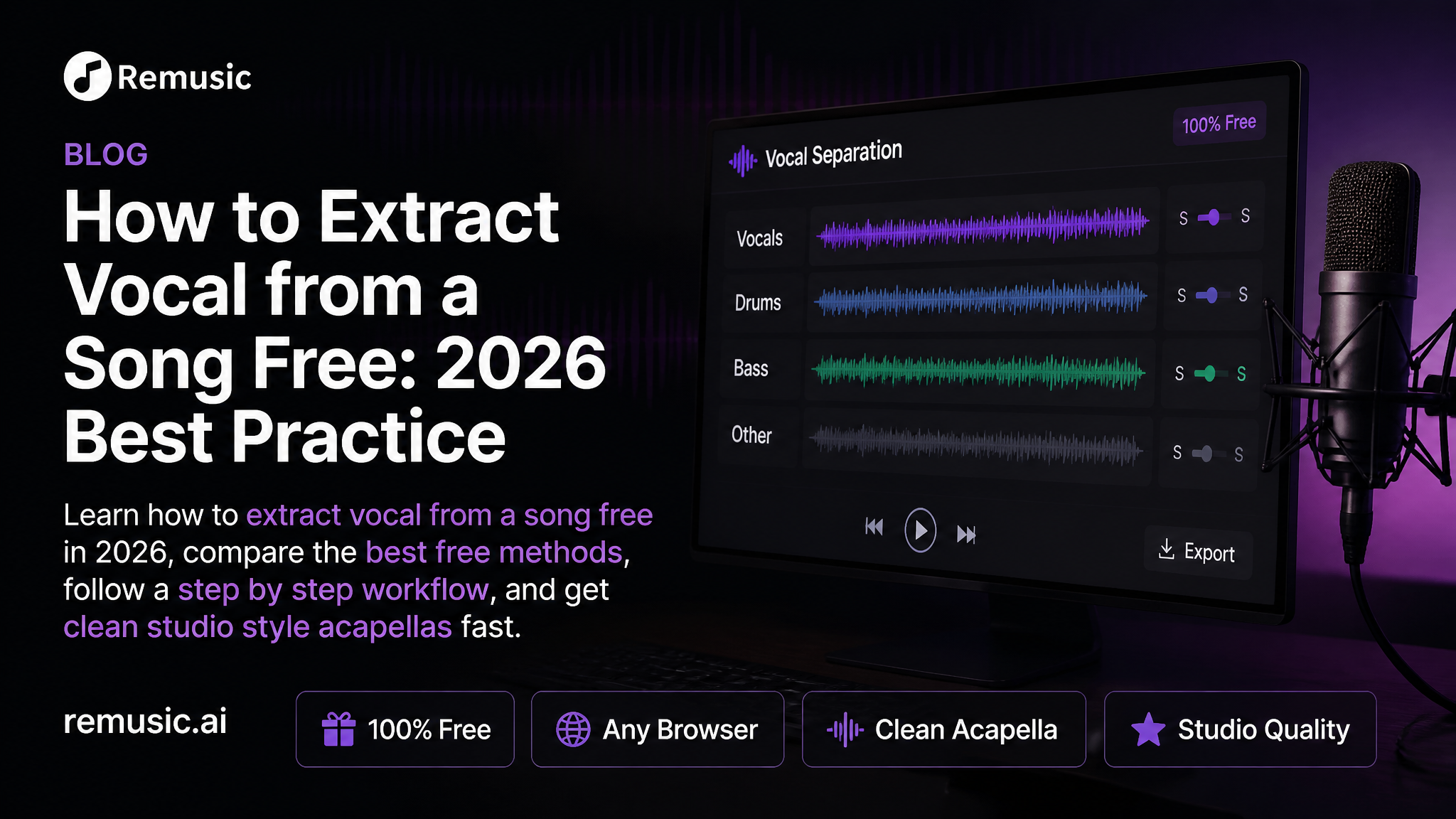
Ever found a song where the vocal is pure magic and wished you could lift it out and use it in your own project? In 2026 you can. Knowing how to extract vocal from a song free has become a core skill for DJs, karaoke lovers, sample makers, and content creators, and the good news is that modern AI separation tools make it fast, browser based, and completely beginner friendly. In this guide I walk through the current best practice step by step, share the settings and quality checks that separate a clean acapella from a muddy mess, and show how a free tool like the Remusic AI Vocal Remover fits into the workflow.
Why Extracting Vocals from a Song for Free Matters in 2026
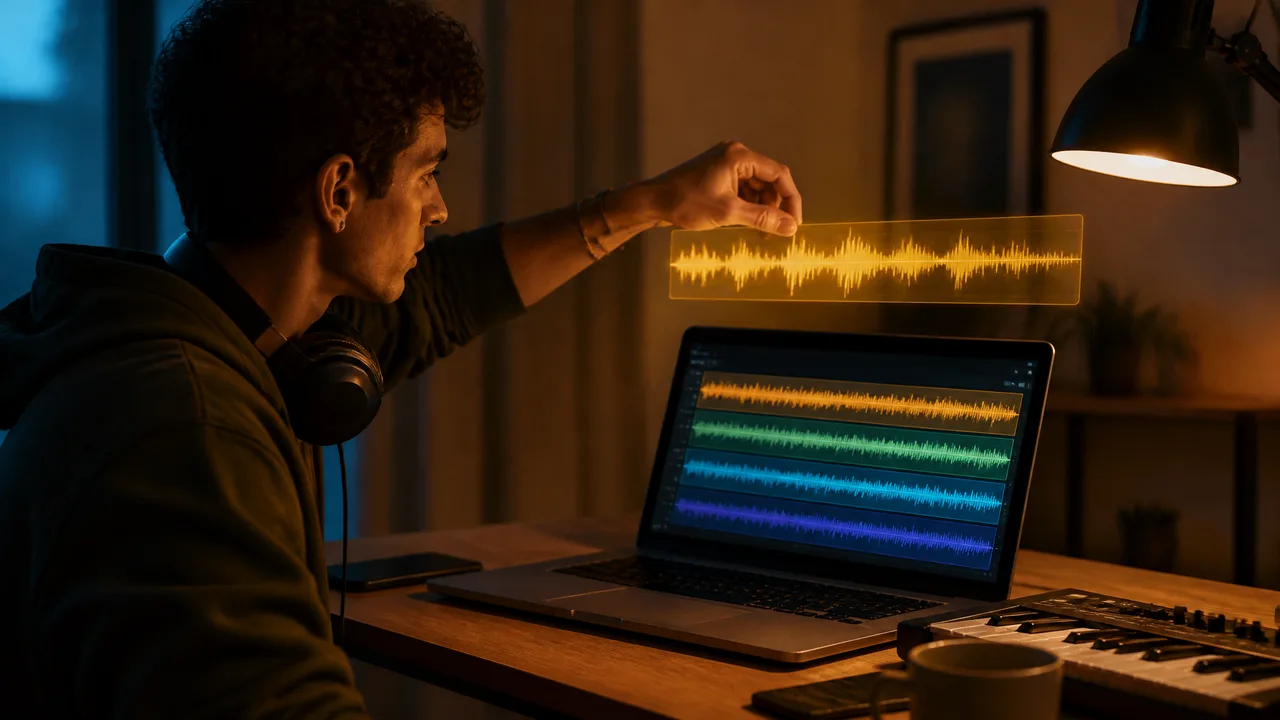
Stem separation used to be a studio privilege. A few years ago the only realistic options were expensive plugins, phase cancellation hacks, or multitrack files you simply did not have. Today AI source separation models run in the browser and split a full mix into vocals, drums, bass, and other instruments in seconds, with quality that is genuinely usable in productions.
That shift matters because demand for acapellas has exploded. Creators extract vocals to build karaoke nights, remix trending tracks, practice singing over professional arrangements, pull reference stems for music study, and add human texture to video edits. Paying per export or installing heavyweight software puts a tax on exactly the audience that needs this most: hobbyists, students, and indie creators testing an idea. A free, no install workflow removes that friction entirely.
The practical landscape in 2026 looks like this:
- Browser AI separators are the default choice: no download, results in under a minute, and free tiers that cover casual use.
- Desktop plugins and DAW suites still win for surgical, artifact free results on complex mixes, but they cost money and time.
- Old school phase inversion tricks are now obsolete for most people; AI quality has passed them.
If your goal is a fast, clean, free acapella, the browser route is the best practice. Here is exactly how to do it.
How to Extract Vocal from a Song Free: Step by Step Guide
This is the workflow I recommend in 2026, and it works for nearly any popular song in MP3, WAV, FLAC, or even a YouTube link depending on the tool.
Step 1: Choose a Reliable Free Vocal Extractor
Pick a tool that checks four boxes: AI based separation, no forced signup, no watermark, and support for the stems you need. The Remusic AI Vocal Remover is a strong example: it isolates not only vocals and instrumental, but also bass, drums, guitar, and piano, and it runs entirely online so nothing is installed on your machine. Before committing, run one test song through any tool you are evaluating and listen critically for warbling artifacts around consonants.
Step 2: Upload Your Track
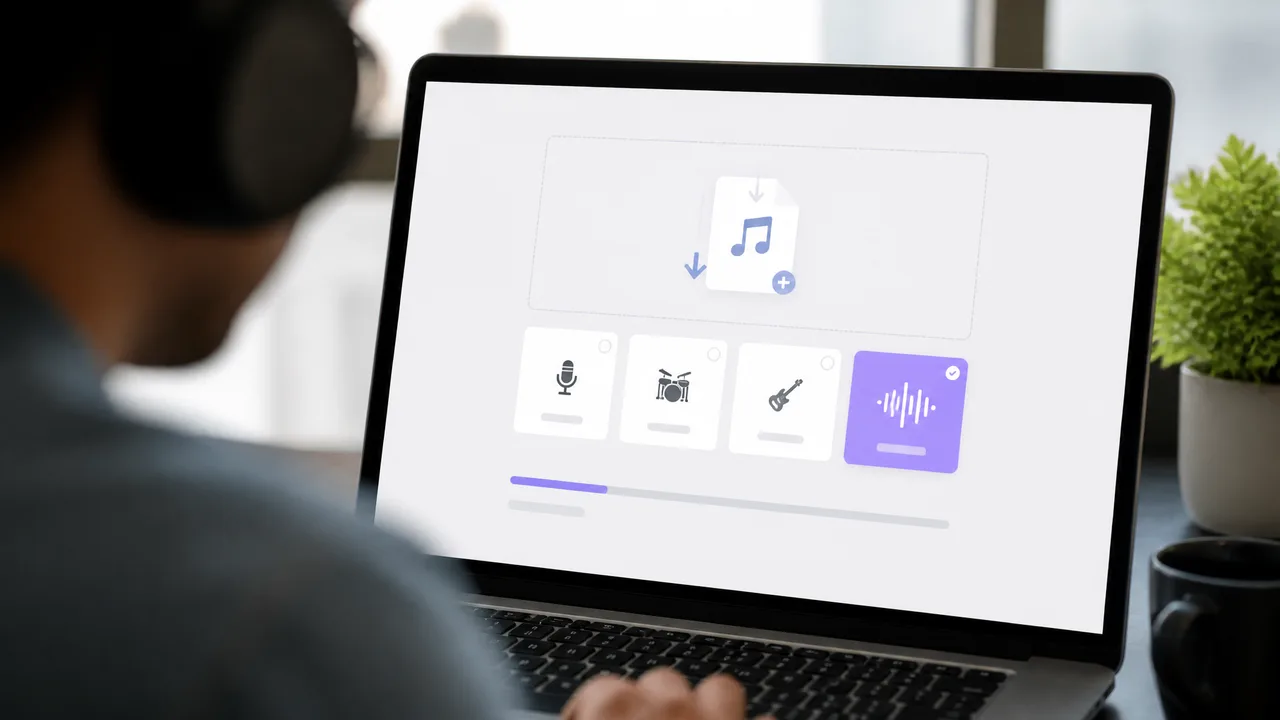
Drag in your audio file or paste a link. For best results, use the highest quality source you have: a 320 kbps MP3 or a WAV rip of the original. Re uploaded, low bitrate files that already passed through multiple compressions give the AI less information to work with, and you will hear it in the result.
Step 3: Select Your Stems and Separate
Most tools default to a two stem split: vocals and instrumental. If your extractor offers more, choose based on your project:
- Vocals only for acapella, sampling, and cover production
- Instrumental only for karaoke tracks and beat making
- Multi stem (drums, bass, guitar, piano) for remixing and arrangement study
The separation itself takes seconds on a typical three to four minute track.
Step 4: Preview, Refine, and Download
Listen to the extracted vocal all the way through before downloading. Focus on the parts that usually break first: fast consonants, breathy passages, stacked harmonies, and sections where vocals sit inside dense guitar or synth layers. If artifacts are minor, a small EQ cut around the harsh frequencies or a de esser will fix them. If they are severe, try a higher quality source file or a different tool, then export your final acapella in WAV for editing or high bitrate MP3 for sharing.
2026 Best Practices for Clean Vocal Extraction
Knowing how to extract vocal from a song free is easy; getting a result that sounds professional takes a few habits that pros use every time.

1. Start from the best source audio available. Garbage in, garbage out. A clean WAV or high bitrate MP3 of the original release will always beat a re recorded or heavily compressed copy. If the only source is a video rip, use the highest resolution version you can find.
2. Match the stem mode to the song. Two stem mode (vocals vs instrumental) gives the cleanest vocal on most mixes. Multi stem mode is powerful but spreads the separation effort across more outputs, which can leave each stem slightly softer. Use multi stem only when you actually need the extra parts.
3. Audit the classic artifact zones. Solo the extracted vocal and scrub through choruses and bridges. Sibilance smearing, robotic vowel tails, and ghost backing vocals are the three most common AI artifacts. Catching them early lets you decide whether a light polish will do or whether you need a different source.
4. Polish in the mix, not in the extractor. Treat the acapella as raw material. A gentle high pass, a de esser, and a touch of compression usually turn a good extraction into a great one. Do not expect the AI output to be final mix ready without any processing.
5. Respect copyright and platform rules. Free extraction puts powerful material in your hands, and how you use it matters. Extracted vocals from commercial tracks are fine for private practice, karaoke, and learning. For public releases, monetized videos, or distributed remixes, secure permission or work with properly licensed acapellas. This keeps your project safe and is simply the professional standard.
What You Can Build Once You Have the Acapella
A clean extracted vocal is a starting point, not an endpoint. Here is where creators take it next:
- Karaoke and backing tracks: flip the workflow and keep the instrumental instead, then turn it into a sing along with the AI Karaoke Maker, which syncs lyrics automatically.
- Remixes and mashups: drop the acapella over a new instrumental and you have a bootleg ready for the dance floor.
- Learning and transcription: pair the isolated vocal with the AI Music Analyzer to study melody, phrasing, and structure of songs you love.
- Original tracks: take inspiration from a vocal you isolated and generate a brand new song around it with the AI Music Generator, no studio required.

Frequently Asked Questions
Is it really possible to extract vocal from a song for free?
Yes. Browser based AI vocal removers like Remusic let you separate vocals and instrumentals without paying, installing software, or creating an account. Free tiers typically cover normal personal use, while heavy users may upgrade for faster processing or bulk exports.
What is the best free method in 2026?
For most people, an AI browser separator is the best free method. It beats manual phase cancellation in quality, beats desktop software on convenience, and takes under a minute per song. Reserve paid desktop tools for mission critical projects where every artifact matters.
Will extracting vocals hurt the audio quality?
Some. AI separation rebuilds the vocal from the mix, so extremely subtle details can soften and artifacts can appear around consonants. With a high quality source file and a two stem mode, the result on most modern tracks is clean enough for karaoke, sampling, and content creation. Light EQ and de essing after export closes most of the remaining gap.
Is it legal to use extracted vocals?
For private use like practice and karaoke, generally yes. For publishing, monetized uploads, or commercial releases, you need rights to the underlying recording. When in doubt, use extracted vocals as learning material or seek permission from the rights holder.
Which file format should I download?
WAV if you plan to edit further, since it avoids another round of compression. A 320 kbps MP3 is fine for sharing and listening. Avoid re saving a lossy file multiple times, because quality drops with every export.
Start Extracting Vocals for Free Today
The barrier between hearing a great vocal and actually using one has never been lower. Pick a high quality source file, run it through a free AI separator like the Remusic AI Vocal Remover, audit the classic artifact zones, and polish the result in your editor. That is the 2026 best practice, and it fits inside a coffee break.
Ready to try it on a song you love? Open the Remusic AI Vocal Remover, drop in a track, and hear the acapella in seconds. And if the extraction sparks a new idea, the AI Music Generator is one click away to turn that idea into an original song of your own.
Written by Maya Rivera, AI music producer at Remusic.