
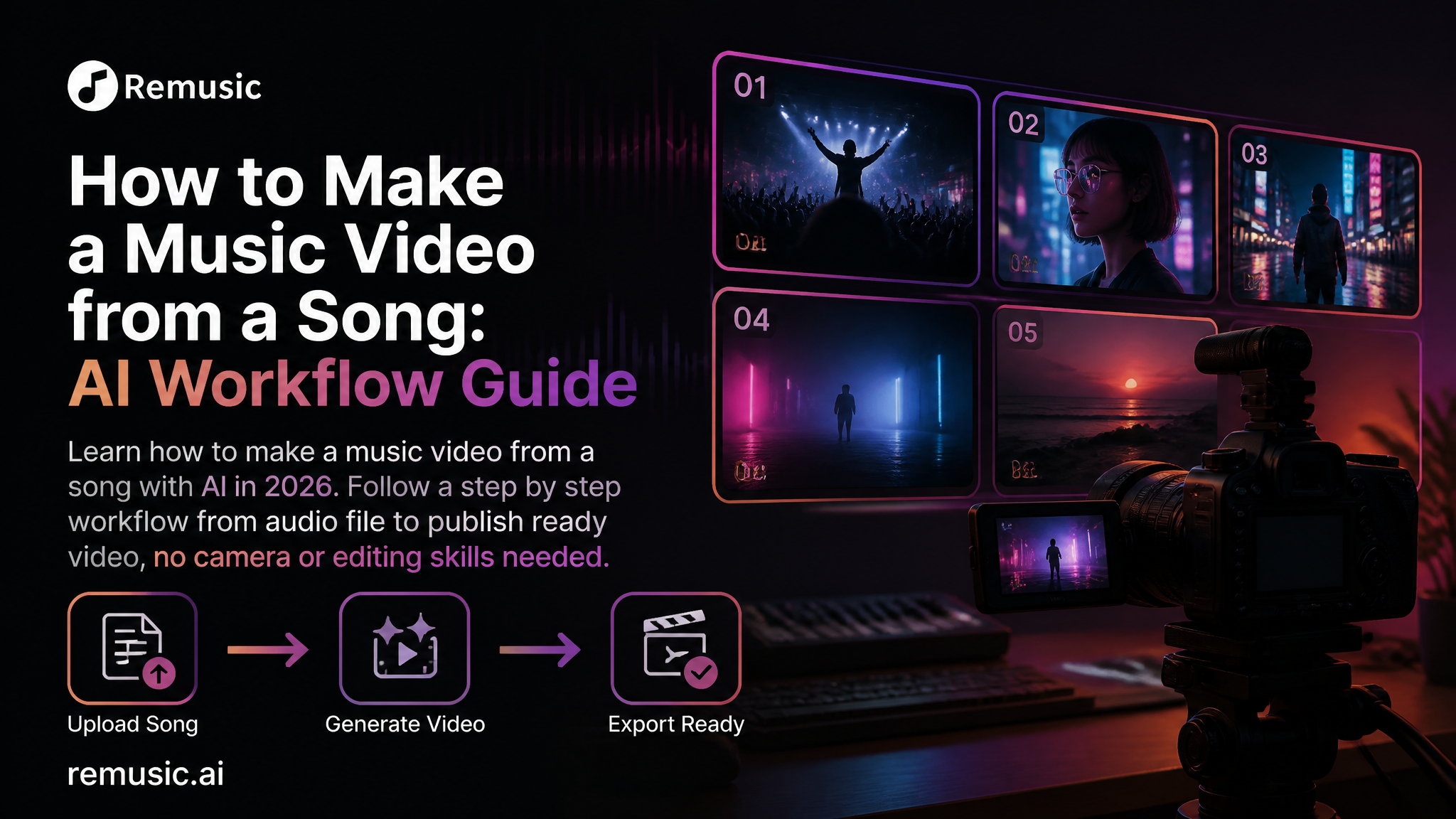
A finished song without a video is a missed opportunity in 2026. Every major platform now rewards moving visuals: YouTube pushes music videos over static audio uploads, Instagram and TikTok turn sound into short clips, and even Spotify shows looping cover art while a track plays. The old path to a music video meant renting a camera, hiring a crew, scouting locations, and spending weeks in an editing suite. That path is gone for most independent creators. This guide shows you how to make a music video from a song with AI in a single afternoon, using tools that run in your browser, and without touching a camera or a timeline editor.
Why You Should Make a Music Video from a Song
Think of a music video as the second life of your track. A song is audio; a video is an experience that people share, react to, and remember. Three practical reasons push every creator toward visual versions of their music:
- Algorithm visibility. YouTube, Instagram Reels, TikTok and Spotify Canvas all rank video content higher and show it to more people. A video version of your song reaches an audience the audio file alone never will.
- One song, many placements. With AI generation you can produce a cinematic clip for YouTube, a vertical lyric version for Shorts and Reels, and a visualizer for streaming platforms from the very same audio. Each placement pulls listeners from a different channel.
- Story and brand. Visuals carry the emotion of the track. A strong image makes your sound recognizable, which matters more than ever when AI music floods the market with similar audio.
If your actual goal is the reverse, adding music to a video you already filmed, my guide on how to generate audio for video walks through that direction. Here we stay focused on turning an existing song into a music video from a song, and doing it well.
What You Need Before You Start
The workflow is simple, but gathering three inputs beforehand makes the result dramatically better.
- A finished audio file. Your own recording, a beat you produced, or a song you generated with AI. If you have no song yet, start inside the Remusic AI Music Generator, write a prompt, and export a track in minutes. Every style of AI song works here: full mixes, instrumentals, and vocal tracks alike.
- Your lyrics as text. AI video tools read the lyrics to time scenes, animate words, and keep visuals on message. Copy the text into a notes file even if you only remember half the lines.
- A visual direction. Do you want a realistic cinematic feel, an animated lyric experience, or a stylized mix of your own phone footage? Decide before you generate, because the style choice changes every setting that follows.
One optional but powerful extra is stem separation. If you want an intro that isolates the vocal or a bridge backed by a clean instrumental, split the track first with the Remusic AI Vocal Remover. My companion post on how to extract vocal from a song free covers that technique in depth, including quality checks that keep the separated parts clean.
How to Make a Music Video from a Song with AI, Step by Step
This is the core of the process. The exact buttons differ slightly between tools, but every modern AI music video generator follows the same five steps, and the Remusic AI Music Video Generator is the version I use for the walkthrough below.
Step 1: Upload or generate your song
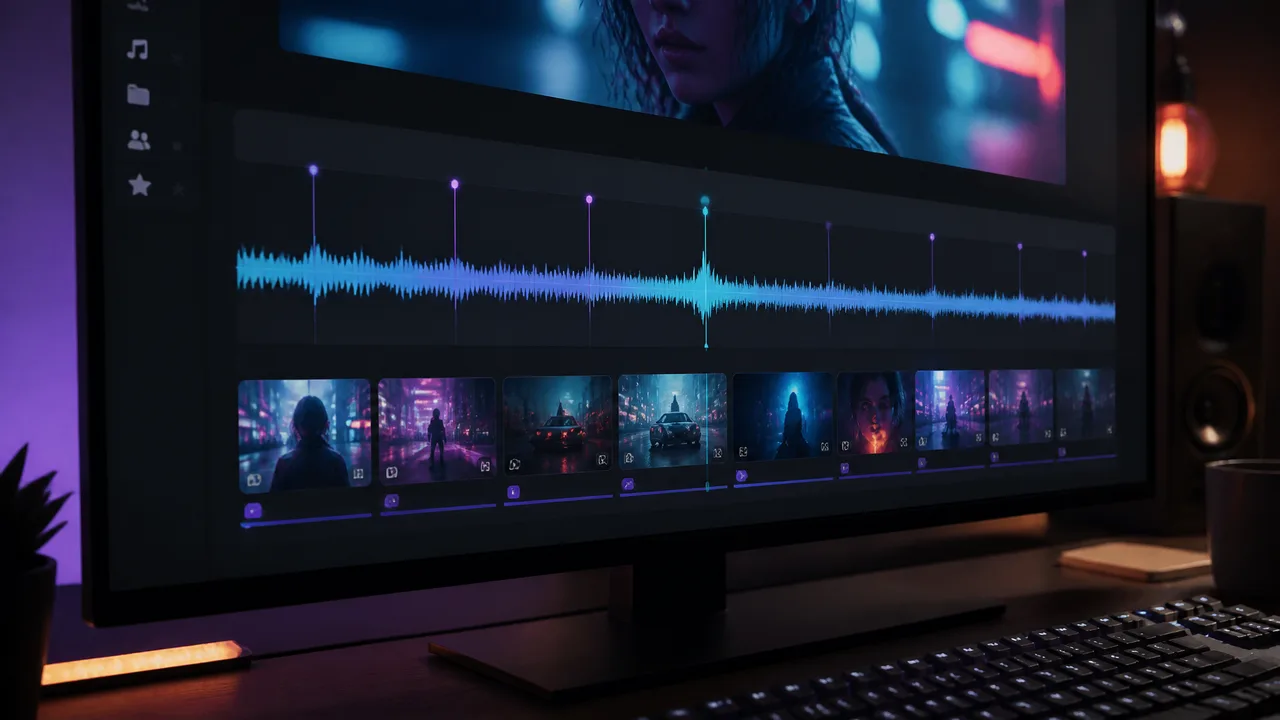
Drop your audio file into the generator. The tool analyzes the mix and pulls out three signals automatically: the tempo and beat grid, the energy of each section, and the structure of the song, intro, verse, chorus, bridge and outro. That analysis is what later lets every visual change land exactly on the beat.
If the track was made inside Remusic, you can send it straight from the music generator into the video generator without exporting and re-uploading, which keeps the audio quality untouched.
Step 2: Pick a visual style and scene direction
Choose how the video should look. Common options include cinematic photorealism, dreamy animation, abstract motion graphics, and retro film looks. Then describe the world of the video in a sentence or two. Tell the AI what the song is about, who the characters are, and where the scene takes place. For a summer love song you might write, sunset beach, two friends driving with the windows down, golden light. For a dark electronic track, a neon city at night, rain on glass, silhouettes in motion.
Step 3: Generate and let the beat drive the edit
Click generate and the model creates a full-length video that matches the duration of your song. The key quality to look for is beat synchronization: scene cuts, zooms, and flashes should land on the drum hits, and the pacing should swell with the energy of each section. Weak generators produce looping ambient footage that ignores the music. A good one edits to the arrangement, which is the difference between a slideshow and a music video.
Step 4: Add lyrics, captions, or a karaoke layer
Most music videos benefit from at least some on-screen text. You can add the full lyrics as timed captions, highlight each line as it is sung, or drop a single hook line on the chorus. Remusic includes an AI Lyrics Generator if you want polished lyric lines, and my guide on create a lyrics video with AI explains the difference between a lyric video and a full music video, plus when each format wins. For the song-to-video workflow here, treat lyrics as a layer you can switch on, not as a requirement.
Step 5: Export, then publish smart
Export in the resolution your target platform wants: landscape 16:9 for YouTube, vertical 9:16 for Shorts and Reels, square for feeds. Give the upload a strong title, write a description that includes the song name and its story, and add the track to your channel so viewers can listen to the full audio. Publish the same video in two places with different titles to test which framing pulls more clicks.
Three Music Video Styles You Can Make from the Same Song
Do not settle for one version. The same audio can support several videos aimed at different platforms and moods.
Style 1: Cinematic storytelling
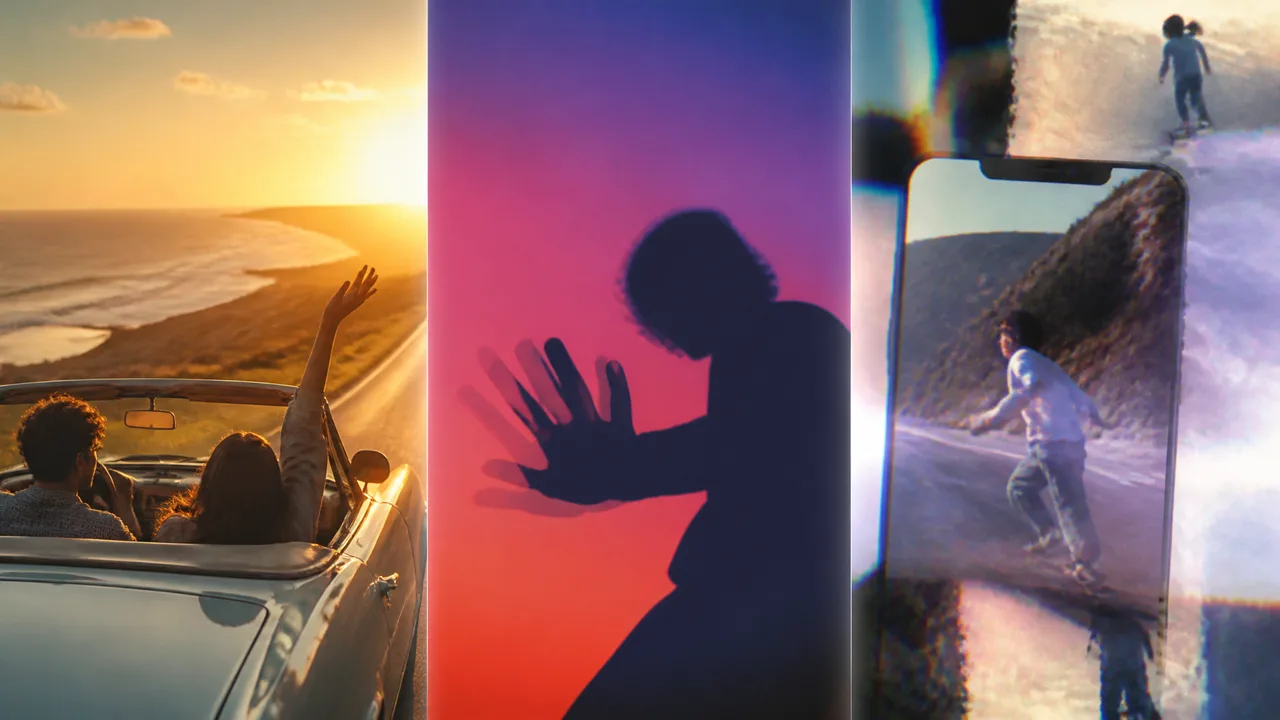
The classic music video. AI builds a narrative scene that matches the lyrics, a person walking through rain, a dancer in an empty warehouse, a road trip at golden hour. Best for YouTube and for the emotional center of your song. This style needs no camera because the AI renders the imagery from your direction.
Style 2: Animated lyric visual
Purely typographic and motion-driven. Lyrics scale, bounce, and glow in time with the beat, often over an abstract or gradient background. This is the fastest style to make, it is fully accessible, and it suits podcasts, tutorials, and instrumental tracks where you do not want a literal narrative. If you make a cover, remix, or flip, pairing it with this style avoids the visual confusion that licensed footage can cause.
Style 3: Hybrid, your footage plus AI polish
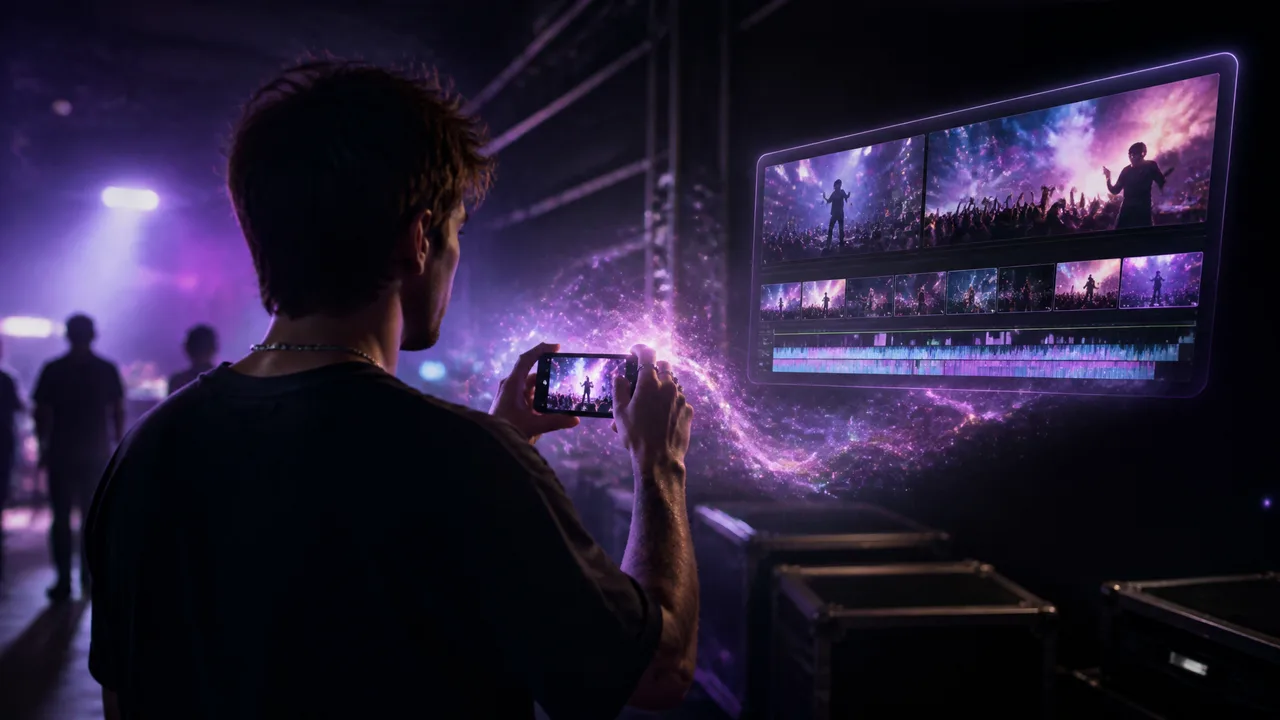
You already have clips, phone video from a show, behind-the-scenes shots, or travel footage. Upload them and let the AI match the cuts to the beat, color-grade the frames, and composite transitions so the result feels professionally edited. Hybrid videos carry authenticity that pure AI imagery cannot, and they take ten minutes of manual work instead of a full editing session.
Try all three on your strongest track. One song, three videos, three platforms, and every version reinforces the same artist identity.
Copyright: Which Songs Can You Turn into Music Videos?
The tool is not the limit; the rights are. You can safely make a music video from any song you created, any track you produced from scratch, and any AI-generated song whose terms grant you the usage rights you need, including commercial use. Remusic generated tracks fall into this category for most creator use cases, so check the service terms for your exact plan.
What you cannot do is take a hit single from a major label, drop it into an AI generator, and monetize the result. Sample clearances and sync licenses still apply to AI output exactly as they apply to traditional video. If your project is a personal, non-monetized tribute, the risk profile is different, but when in doubt, license the song or use one you own. The entire workflow in this guide assumes music you have the right to use, which is the honest foundation of sustainable creator business.
FAQ
Can I make a music video from any song?
Technically the generator accepts any audio file. Legally, only use songs you own, wrote, or licensed, plus AI songs whose terms allow your intended use. Making a music video from a song you do not own, for commercial purposes, requires a sync license.
Do I need a camera or video editing skills?
No. Cinematic and animated styles are generated entirely from text and audio. The hybrid style asks you only to upload footage, and the AI handles the editing, beat matching, and color grading. No timeline experience is required for any of the three styles.
Is it free to make a music video with AI?
Most quality generators offer a free tier that lets you test the workflow and export short or watermarked videos, with paid plans for higher resolution and commercial use. Remusic gives every logged-in user a free daily allowance of generations, which is enough to prototype your visual direction before you commit to a final render.
How long does it take to make an AI music video from a song?
From upload to export, roughly five to fifteen minutes for a typical three to four minute track. Most of that time is the AI rendering the video. Planning the visual direction beforehand, which this guide covers in Step 2, is what separates a fast good result from a slow disappointing one.
Can I make a lyric video and a cinematic video from the same song?
Yes, and you should. Generate the cinematic version for YouTube, then switch on the lyric layer or run a second animated generation for Shorts and Reels. Because the beat analysis is identical, all versions stay in sync with the same audio, which keeps your catalog consistent across platforms.
Start with the Song You Already Have
The barrier to making a music video from a song has collapsed. You no longer need a budget, a crew, or a camera. Open the Remusic AI Music Video Generator, upload the track you already finished, describe the world you want to see, and let the beat drive the edit. If the song does not exist yet, the AI Music Generator can create it in minutes, and then the same account carries it straight into the video pipeline.
Your music deserves to be seen as much as heard. Pick the song, choose a style, and publish your first AI music video this week.