
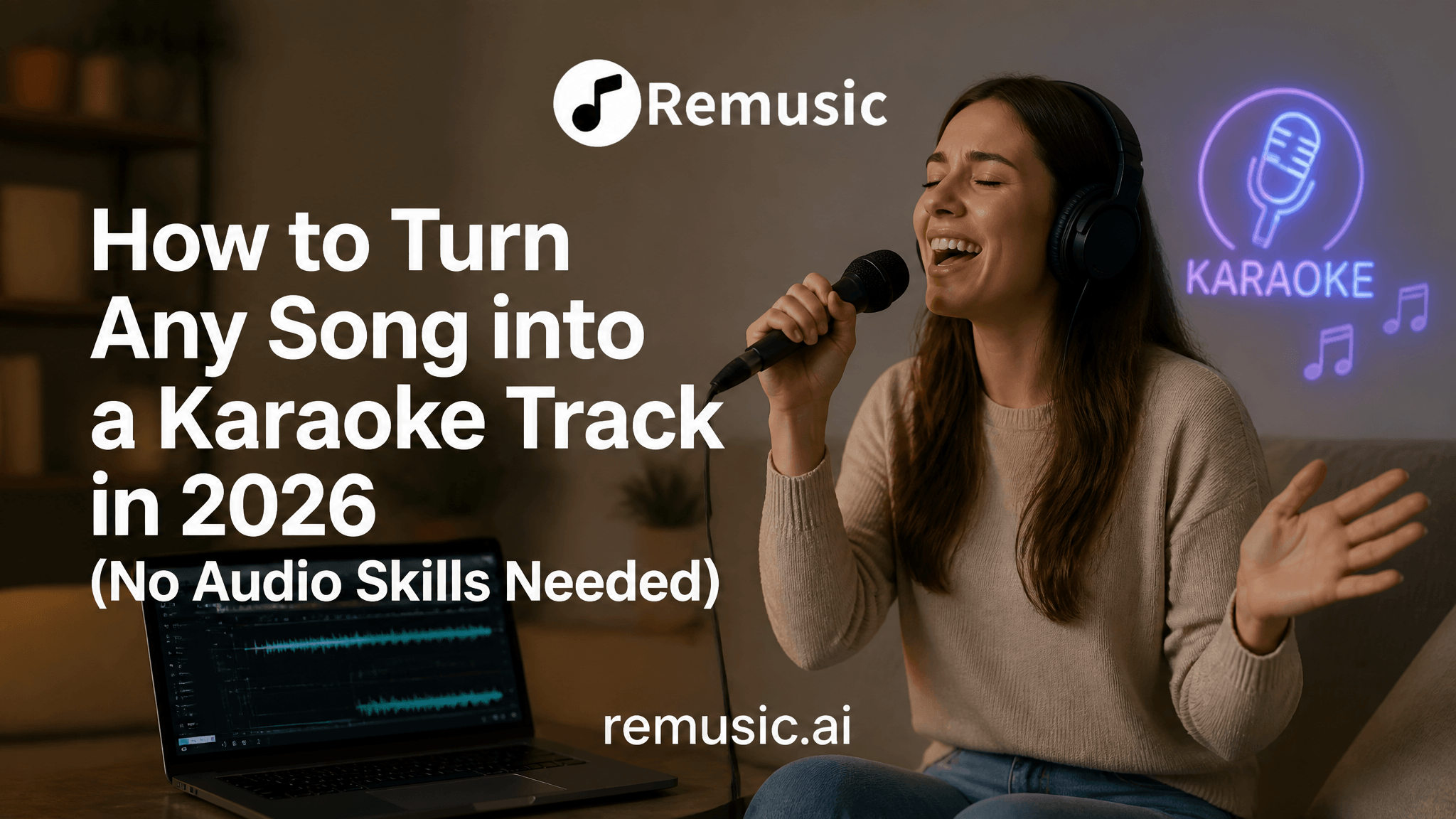
Karaoke has been a global pastime for decades, but making your own karaoke tracks — not the official ones, but any song you love — has always been awkward. You either bought pricey audio software, hoped a fan had uploaded an instrumental, or settled for a muddy “echo cancellation” version.
In 2026, AI vocal separation removes that friction. Upload a song, let a neural network isolate the vocals from the music, and you’re left with an instrumental backing track. Add automatic lyric sync, and you have a sing-along video.
This guide covers exactly how it works, the methods available, and how to get a polished karaoke version of any song in minutes.
What Is an AI Karaoke Maker?
An AI karaoke maker is a tool that takes a full song (vocals + instruments) and uses source separation — a branch of machine learning — to split it into isolated stems. For karaoke, the goal is simple: keep the music, drop the lead vocal.
The best tools go further than a bare instrumental:
- Stem separation: Vocals, drums, bass, and other instruments pulled apart so the backing track sounds full, not hollow.
- Lyric sync: Timed lyrics that scroll or highlight in time with the music — the “karaoke feel.”
- Video output: A shareable clip with the lyrics overlaid, ready for a party, stream, or social post.
Remusic’s AI Karaoke Maker does all three in one flow.
How AI Removes Vocals (The Short Version)
Older “karaoke makers” used phase cancellation — flipping the vocal track’s phase to cancel it out. It barely worked on modern stereo mixes and destroyed audio quality. AI is different.
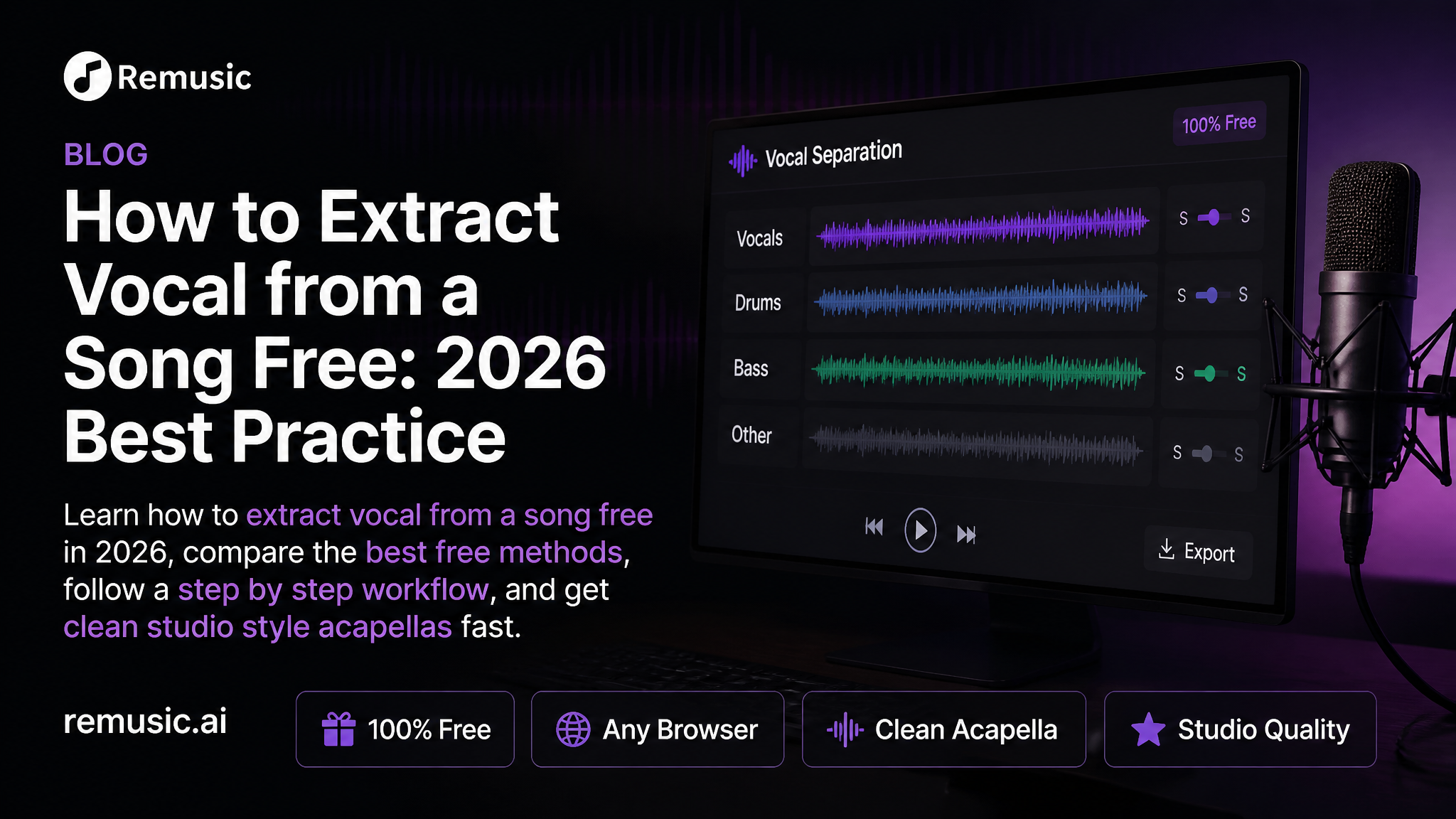
Modern tools train on millions of songs to recognize what a human voice sounds like versus instruments. When you upload a track, the model predicts and extracts the vocal stem, leaving a clean instrumental. This is the same core tech behind AI vocal removers — karaoke is just the instrumental half of that separation.
| Method | Quality | Effort | Best For |
|---|---|---|---|
| Phase cancellation (old) | Poor — thin, artifact-heavy | Low | Nostalgia only |
| DAW + manual editing | Good | Very high | Studio pros |
| AI source separation | Excellent | Low | Everyone |
Step-by-Step: Make a Karaoke Track with AI
Here’s the workflow using Remusic’s AI Karaoke Maker (no account needed for a free daily generation):
- Upload your song. Pick any track from your device. AI separation works on most standard audio formats.
- Let the AI separate stems. The model isolates vocals from the instrumental backing in seconds.
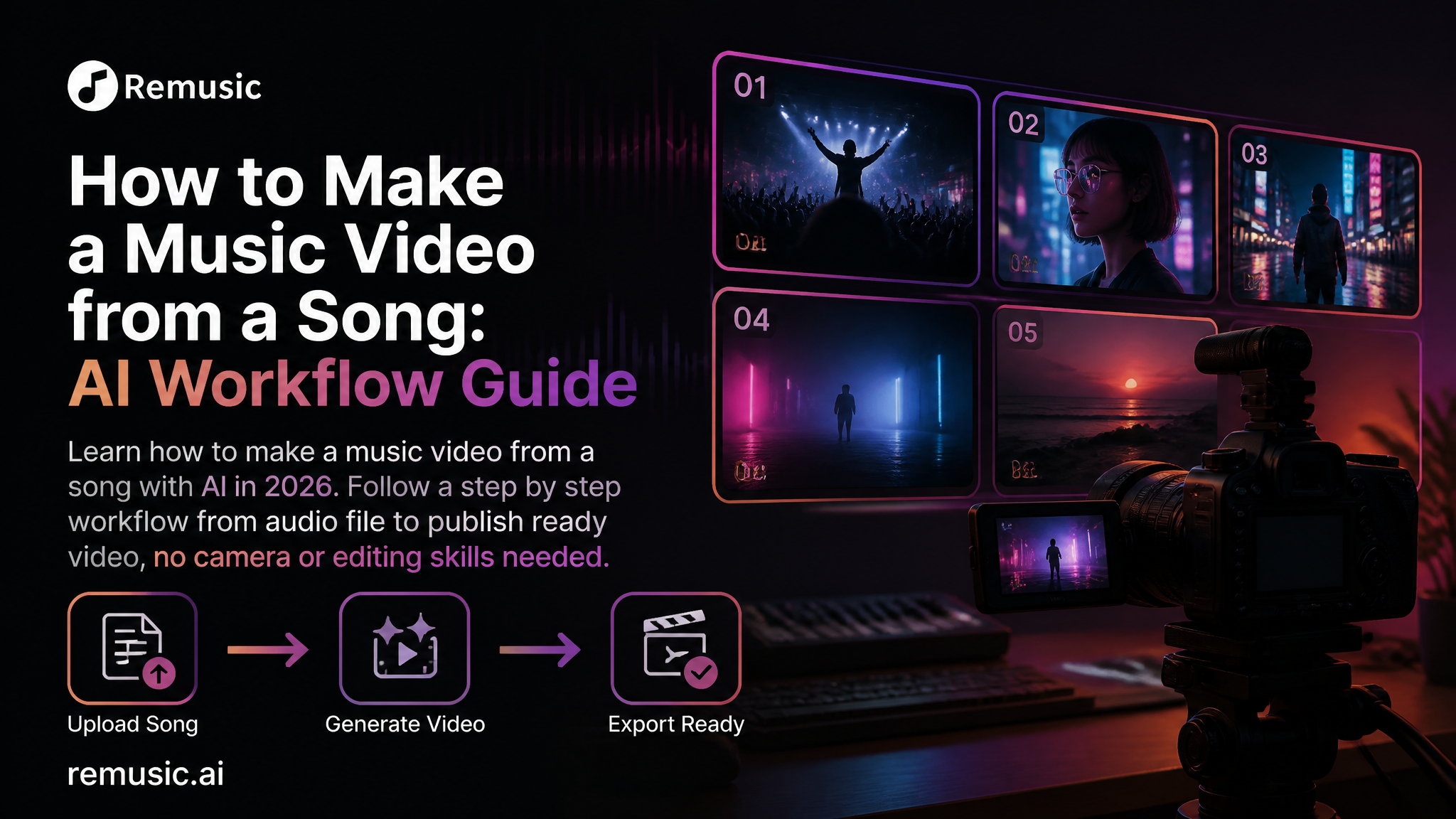
- Generate the karaoke video. The instrumental is paired with timed lyrics to produce a sing-along clip.
- Preview and download. Listen back, check the lyric sync, and export your video.
That’s it — no audio engineering degree required.
Why Lyric Sync Matters
A karaoke track without lyrics on screen is just an instrumental. The “karaoke experience” depends on singers knowing the words. Manual lyric timing is tedious; AI lyric-sync aligns words to the beat automatically, which is why an integrated karaoke maker beats a bare vocal remover for this specific use case.
If you already have an instrumental you love, you can also start from vocal removal and add lyrics separately — but an all-in-one tool saves the round trip.
AI Karaoke vs. Traditional Methods
- Fan-made instrumentals: Hit-or-miss availability, often low quality, copyright gray areas.
- Studio software (e.g., Logic, FL Studio): Powerful but steep learning curve and costly.
- AI karaoke makers: Fast, cheap or free to start, consistent quality, lyric sync built in.
For casual singers, content creators, and teachers, AI is the clear winner. For a commercial release, you’ll still want to respect the original song’s licensing (see our copyright guide for details).
Common Use Cases
- Home parties: Turn any playlist hit into a sing-along in minutes.
- Content creators: Post karaoke covers to TikTok, YouTube, or Instagram Reels.
- Music teachers: Create clean backing tracks for students to practice over.
- Cover artists: Isolate instrumentals to record your own vocal take.
Limitations to Know
AI separation is excellent but not magical. Very dense mixes (wall-of-sound pop, heavy metal) can leave faint vocal ghosts. A cappella intros or spoken-word sections may behave oddly. For most songs, though, the result is more than good enough to sing along to.
FAQ
Is there a free AI karaoke maker?
Yes. Remusic offers a free daily generation with no sign-up, and the karaoke maker is part of that free tier. Paid plans unlock higher daily limits and credit-based bulk generation.
Can I make karaoke from any song, or only AI-generated ones?
With a vocal remover / karaoke maker like Remusic’s, you upload any song — it’s not limited to AI-composed tracks (unlike some all-in-one music apps that only separate their own outputs).
Does the karaoke video include synced lyrics?
Remusic’s AI Karaoke Maker produces a lyric-synced video, so you get the sing-along experience, not just a bare instrumental.
Is it legal to make a karaoke version of a copyrighted song?
Making a personal instrumental for practice is generally fine, but public performance, distribution, or monetized covers involve the original song’s rights. Always check licensing for anything beyond personal use.
Conclusion
AI has turned “make a karaoke version of any song” from a hobbyist chore into a two-minute task. Whether you’re hosting a party, building a cover channel, or teaching music, an AI Karaoke Maker paired with a solid vocal remover is all you need to start singing along to any track you love.