
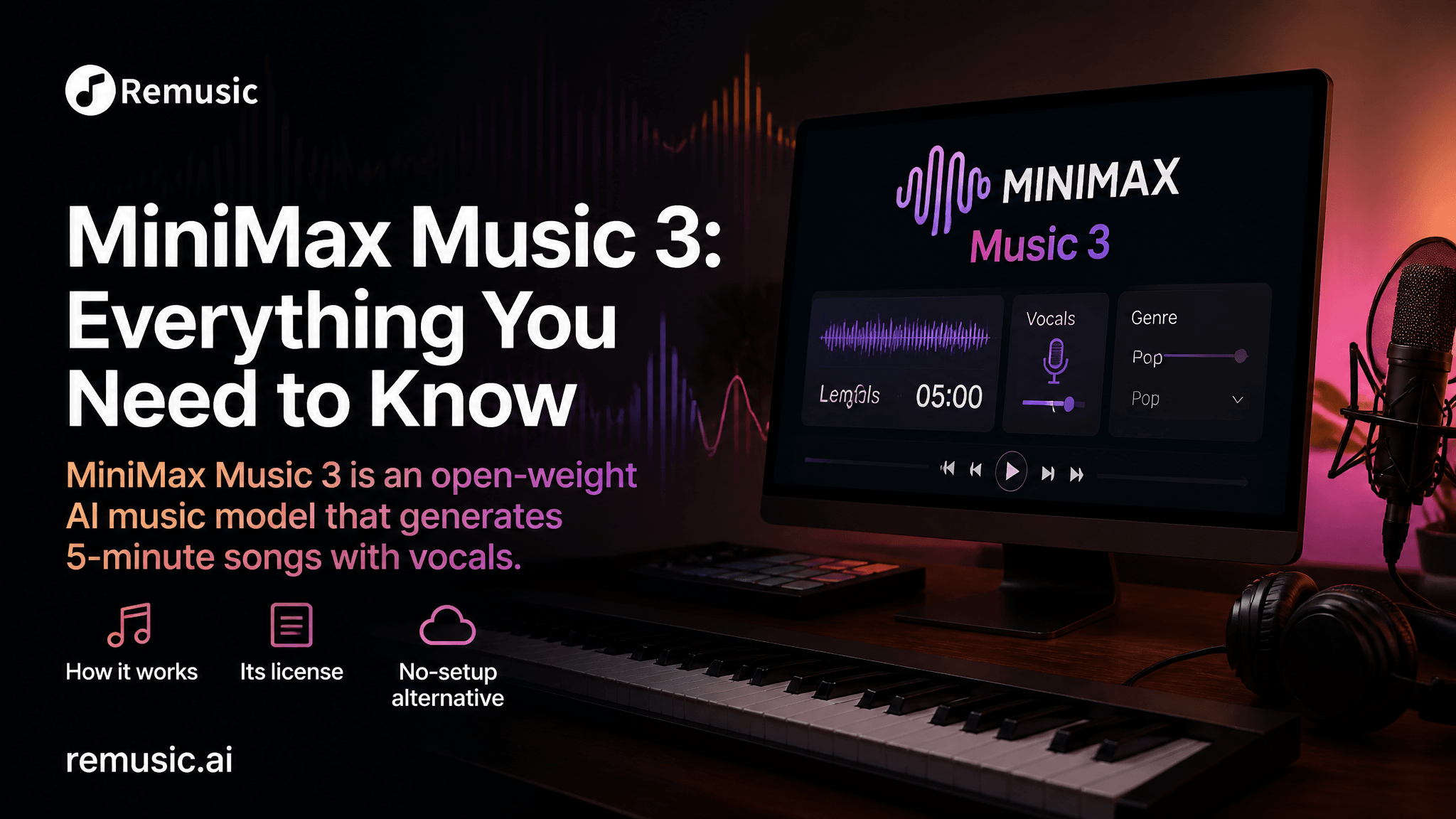
On August 13–14, 2026, Chinese AI lab MiniMax released MiniMax Music 3 as an open-weight model — and the music-AI community lit up. For the first time, a “production-ready” model that generates full, structured songs with real vocals is free to download and run on your own hardware.
But “free to download” and “free to use” are two different things, and the setup is heavier than the hype suggests. In this guide we cover what MiniMax Music 3 actually is, how it works under the hood, the licensing truth nobody reads, exactly what it takes to run it locally — and, if you’d rather just make a song right now without a 57 GB download, the no-setup alternative at the end.
What Is MiniMax Music 3?
MiniMax Music 3 is an open-weight AI music generation model released by MiniMax in August 2026. It generates complete songs up to 5 minutes long — with sung vocals, arrangement, and full song structure (intro, verse, chorus, bridge, outro) — from a lyrics file plus a structured music description, outputting 32 kHz / 16-bit stereo WAV audio.
That last part is the headline. Most AI music tools until now topped out at 1–2 minute clips, or stitched loops that drifted in style. MiniMax Music 3 aims to produce one coherent piece — same singer, same key, same motif — across the full five minutes.
A few things worth knowing:
- It’s “open-weight,” not just a hosted demo. The weights are on Hugging Face and GitHub; you can run them yourself.
- It takes two inputs: Lyrics (with explicit section tags like
[Verse],[Chorus]) and a Structured Caption describing style, mood, vocals, and instrumentation. - Multilingual vocals. The launch demo generated convincing Japanese-language rock; the model is built for cross-language singing.
- Production-ready framing. MiniMax positions it for film scoring, choral arrangement, interactive audio, and music-tech education — not just toy demos.
How Does MiniMax Music 3 Work?
The hard problem in music generation isn’t making 30 seconds sound good — it’s making minute four remember minute one. MiniMax’s answer is to split the job by timescale.
Two models, two jobs
| Component | Size | Role |
|---|---|---|
| Global LLM | 8B (initialized from Qwen3-8B) | Carries the song’s long-range structure — form, key, motif, emotional arc |
| Local LLM | 0.6B | Fills in frame-level acoustic detail — timbre, articulation, texture |
| Flow-Matching stage | 2.4B | Fuses both models’ hidden states into a continuous latent |
| Flow-VAE decoder | 123M | Decodes the latent to waveform |
Think of it as a composer who holds the whole arc of the piece in mind (the 8B Global model) working alongside a session player who nails the texture of every bar (the 0.6B Local model). Training stacks an 8-layer residual vector quantization tokenizer — one 16,384-entry semantic codebook for structure, plus seven 1,024-entry acoustic codebooks for detail.
Crucially, at inference the model skips the discrete tokenizer and keeps the continuous representation all the way to output. That’s what preserves vocal articulation and instrumental texture that discrete-token pipelines tend to smear.
How you prompt it
You write two fields:
-
Lyrics — your words, with section tags on their own lines:
[Intro] [Verse] City lights are bleeding through the rain... [Chorus] ... -
Structured Caption — a music description covering global metadata, vocal details, and arrangement (genre, BPM, mood, instruments, production profile).
Generation runs through SGLang-Omni, Diffusers, or ComfyUI, using the same API shape as MiniMax’s speech models.
Is MiniMax Music 3 Really Open Source?
This is the part most coverage gets wrong. Open-weights is not the same as open-source.
MiniMax published the weights, but the license is the MiniMax Community License — not an OSI-approved open-source license. The key terms:
- ✅ Downloading and running the weights is unrestricted.
- ✅ Commercial use is permitted by default — with a catch.
- ⚠️ You must display the name “MiniMax-Music3” prominently in your product’s interface.
- ⚠️ Any organization with more than $20 million in annual revenue needs prior written authorization from MiniMax.
So the model captures the long tail of hobbyists and small builders for free, while keeping a negotiating position with anyone who succeeds at scale. For a blog or a small creator, you’re fine — just keep the attribution visible. For a funded product, read the license line by line before you ship.
The honest caveat: MiniMax has not published independent benchmark evaluations on the model card. Quality claims rest on demos and early user reports, not comparative measurement.
How to Run MiniMax Music 3 Locally
Here’s where excitement meets reality. Running it yourself is powerful — but it is not a click-and-go experience.
What you need:
- ~57.4 GB model download (Hugging Face / GitHub).
- ComfyUI master branch (v0.33.1 or newer). The stable release (v0.26.2) does not include the Music 3 nodes — you must switch to the GitHub latest channel and update the engine, not just the desktop shell.
- ~24 GB VRAM for full-precision inference (drops to ~8 GB with CPU offload, at a speed cost).
The easier path to try it: MiniMax ships a free demo on Hugging Face’s ZeroGPU service. In testing, a single one-minute generation ate the free quota — so for anything serious, local deployment is the only unlimited route.
If that list made your eyes glaze over, you’re not alone. A lot of people who got excited about MiniMax Music 3 hit the setup wall and just wanted to hear a song they described. That’s the gap the next section fills.
MiniMax Music 3 vs Suno & Udio
MiniMax Music 3 lands in a crowded field. Here’s the honest, workflow-first comparison:
| MiniMax Music 3 | Suno | Udio | |
|---|---|---|---|
| Distribution | Open-weight (self-host / API) | Hosted web + mobile | Hosted web |
| Downloads | Yes (self-hosted) | Yes (paid plans) | Disabled |
| Commercial use | Yes, with attribution; >$20M needs authorization | Yes (paid plans) | Restricted / personal only |
| Best for | Developers, local pipelines, API workflows | Creators who want downloads + editing | In-platform exploration |
| Setup cost | High (57 GB, GPU, ComfyUI) | None (browser) | None (browser) |
The takeaway: MiniMax wins on openness and developer control; Suno wins on the creator download/commercial workflow; Udio is best left for personal experimentation. None of them is “the best” in a vacuum — it depends on whether you’re building a product or making a track this afternoon.
Want to Make AI Music Without the Setup? Try Remusic
If the 57 GB download and 24 GB GPU requirement above killed your momentum, you don’t have to choose between “powerful” and “usable.” Remusic’s AI Music Generator does the same core job — turn text or lyrics into a full, royalty-free song — entirely in your browser, with no download, no GPU, and no install.
Why creators land on Remusic when they want music now:
- 🎵 AI Music Generator — describe a vibe or paste lyrics; get a full track in minutes, royalty-free for personal and commercial use.
- 🎤 AI Cover Generator — 10,000+ preset voices or clone your own for personalized covers.
- 🔊 AI Vocal Remover — isolate vocals, bass, drums, guitar, and piano in seconds.
- 🎶 AI Karaoke Maker — turn any song into a karaoke video, auto-synced.
- 📝 AI Sheet Music Generator — convert your track into precise notation.
Remusic is free to start (no sign-up needed for many features) and trusted by 500,000+ creators who’ve made 20M+ tracks. MiniMax Music 3 is a landmark for open AI music — but if you’d rather spend your time making than deploying, give Remusic a try.
FAQ
What is MiniMax Music 3?
MiniMax Music 3 is an open-weight AI music model released in August 2026 that generates complete songs up to 5 minutes long with vocals and arrangement, from lyrics plus a structured music description, outputting 32 kHz / 16-bit stereo WAV.
How long can MiniMax Music 3 generate?
Up to 5 minutes of continuous, structured song — intro through outro — in a single generation.
Do you need a GPU to run MiniMax Music 3?
For self-hosted use, yes: roughly 24 GB of VRAM at full precision (about 8 GB with CPU offload). A limited free demo also runs on Hugging Face ZeroGPU. If you don’t want to manage hardware, a browser-based tool like Remusic needs no GPU at all.
Is MiniMax Music 3 free for commercial use?
Commercial use is allowed under the MiniMax Community License, but you must display “MiniMax-Music3” attribution in your product, and organizations above $20M annual revenue need written authorization. It is open-weight, not OSI open-source.
Is there a free AI music generator with no setup?
Yes. Remusic’s AI Music Generator runs in the browser with no download or GPU, offers a free tier with no sign-up for many features, and exports royalty-free music — a practical alternative if you want results without deploying a model.